
How to analyse a competitor’s X followers
To analyse a competitor’s X followers, scan their public follower list with Revealed, then read the roles, interests and locations of the people who follow them. Compare that audience with your own to see who you share, who only they reach, and how each audience describes itself. You do not need access to the competitor’s account.
The answer in full
Analysing a competitor's X followers shows you the audience they have built and the gaps in yours. With Revealed, you scan the competitor's public follower list from your own signed-in browser. You do not need access to their account, and Revealed does not notify them. Bio signals then group their followers by the roles and interests written in their bios, and Geography shows where those followers say they are based. Next, scan your own account and open Compare to see the followers you share, the people only they reach and the language each audience uses to describe itself. The segment only they reach is usually the opportunity to look at first. Influencers also ranks the most influential people inside their audience, which gives you a list of accounts that market already listens to. The analysis describes who follows an account. It does not show a competitor's private analytics or how their audience has changed over time.
Step by step
- 01
Scan the competitor’s account
Open the competitor’s X profile and click the Revealed button next to their follower count, or enter their handle. Any account whose followers you can see on X can be scanned.
- 02
Read their audience breakdown
Use the overview and bio signals to see which roles and interests dominate. This is the audience your competitor has built, in their own words.
- 03
Map where their followers are
Geography shows the countries and cities followers say they are in, which hints at the markets the competitor is winning.
- 04
Scan your own account
Run the same scan on your account so the two audiences can be compared on the same terms.
- 05
Compare the two audiences
Compare shows shared followers, followers only they reach, and the language each audience uses to describe itself. The exclusive segment is the gap to target.
- 06
Find who influences them
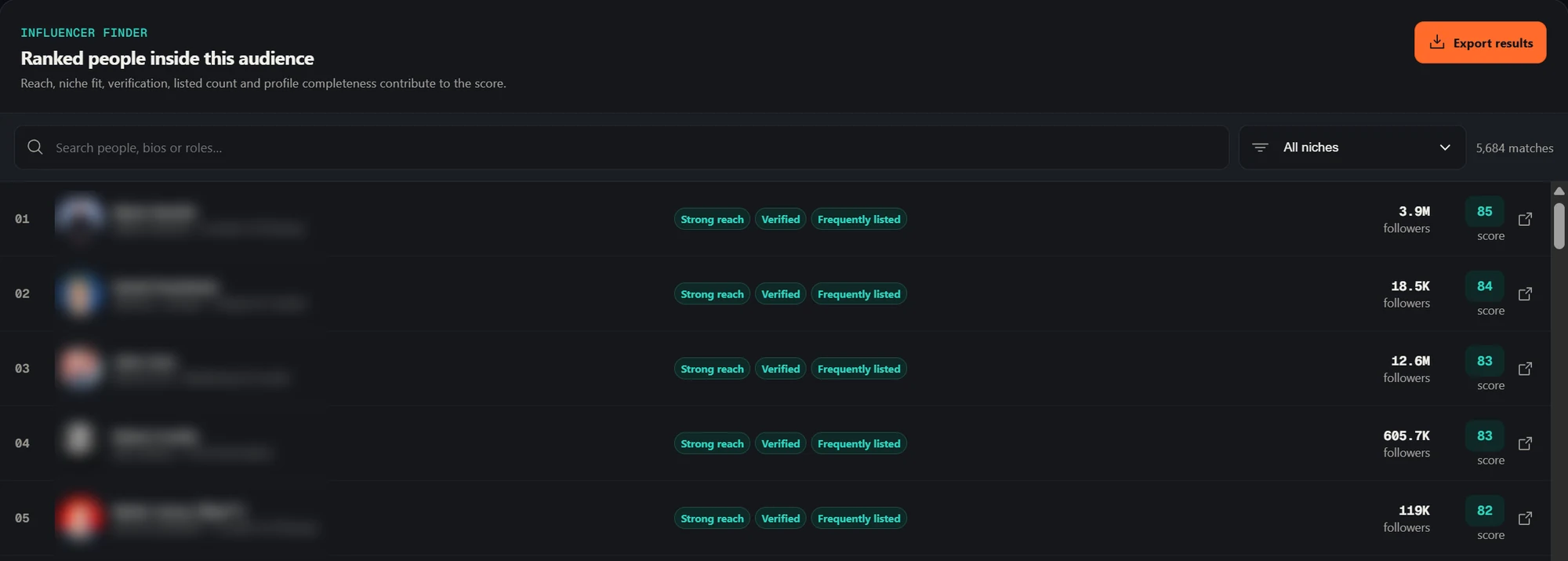
Influencers ranks the most influential people inside their audience. These are accounts their market already listens to, and candidates for partnerships or outreach.
What to do with the result
Look for the segment the competitor reaches and you do not, and decide whether it is a market you want. Use the language each audience uses about itself to shape positioning and copy, and use the influencer list to choose where to be seen.
What to keep in mind
- Revealed analyses who follows an account. It does not show a competitor’s private analytics, posting performance or follower growth over time.
- Follower bios are self-written, so segments are an approximation of roles and interests.
Common questions
01Can I analyse a competitor’s followers without their permission?
Revealed reads the public follower list of accounts you can already view on X in your own signed-in browser. The competitor is not notified by Revealed and does not need to take any action.
02Is this the same as X Analytics?
No. X Analytics reports on how your own posts perform. Revealed describes who the followers of any account are.
03Does my competitor’s data leave my browser?
No. Scans are processed and stored locally in your Chrome extension storage, and Revealed’s servers never receive the audience data.
04Does Revealed upload the followers I scan?
No. Scans run in your own browser and the audience data (profiles, bios, analytics and exports) stays in Chrome extension storage on your device. Revealed’s servers only handle your account, plan and billing.